From the conversion glossary
Concepts referenced in this article, defined.
Concepts referenced in this article, defined.
Run rigorous A/B tests and personalize every visit on Shopify or any storefront — no engineers required.
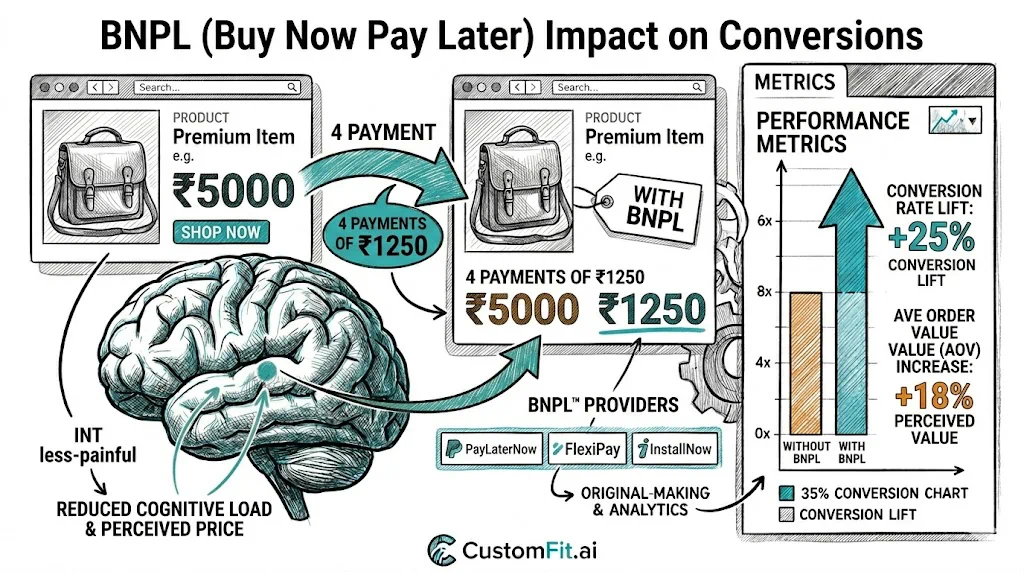
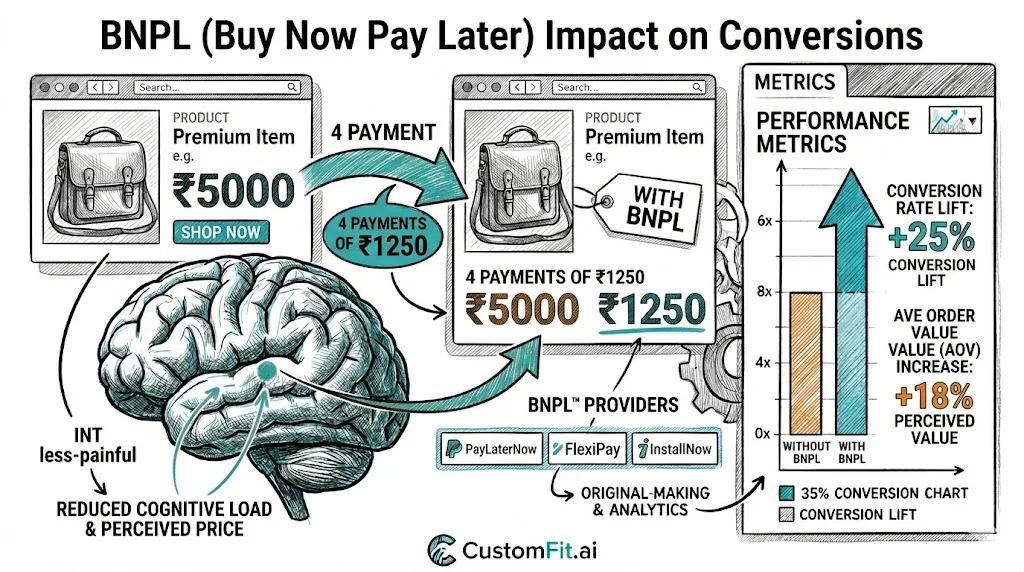
Buy Now Pay Later has transformed the affordability perception of mid-to-high ticket ecommerce purchases in India. For D2C brands selling products above ₹1,000, BNPL can be one of the highest-impact additions to the checkout experience—lifting conversion rates, increasing average order value, and opening purchases to customers who would otherwise hesitate. Understanding how to implement BNPL effectively, where to display it, and how to measure its impact is increasingly a competitive necessity for Indian D2C brands.
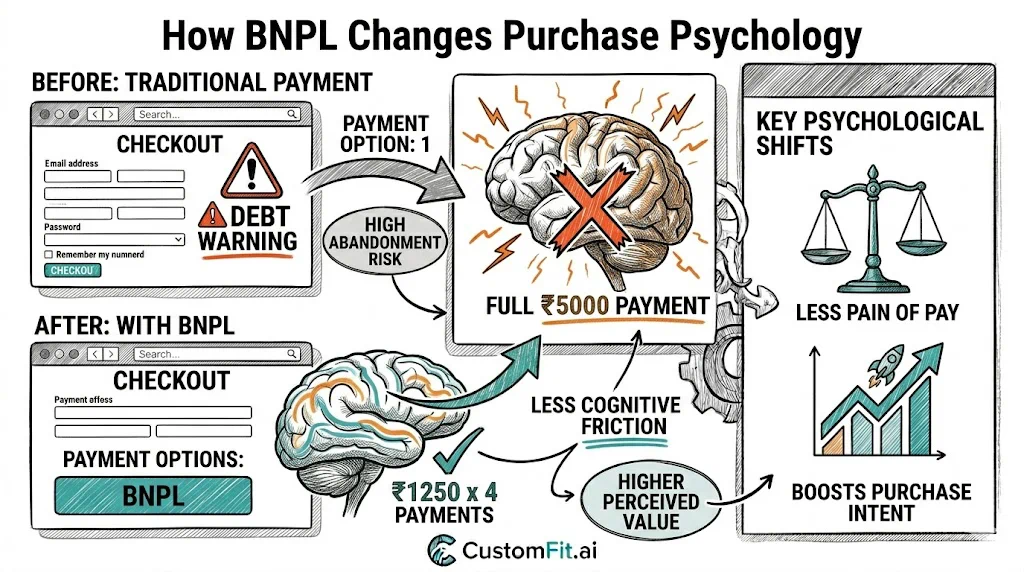
At its core, BNPL reframes the purchase decision. A ₹2,400 skincare set feels different when displayed as "₹800 × 3 installments." The total cost is identical, but the psychological commitment in any single moment is one-third.
This reframing works because humans are naturally present-biased—we weigh immediate costs more heavily than future costs. A purchase that requires ₹800 today feels more affordable than one requiring ₹2,400 today, even if the person knows mathematically they're the same.
The three conversion mechanisms of BNPL:
1. Reduces the "I can't afford this right now" barrier: The most common reason for not buying high-ticket items isn't that customers don't want them—it's that spending ₹2,000+ in one transaction feels significant. BNPL removes this.
2. Enables premiumization: Customers who would have bought a ₹999 product may now choose a ₹1,999 version when BNPL is available. The installment amount difference is small; the product quality or quantity difference is significant.
3. Reduces payment anxiety for new brands: A first-time buyer who doesn't fully trust a new D2C brand may be more willing to commit ₹600 (installment 1) than ₹1,800 upfront. If the product is good, they've already committed to the full amount; if not, the risk feels lower.
India's BNPL ecosystem is distinct from western markets. Credit card penetration in India is relatively low (compared to the US or UK), making app-based BNPL solutions particularly important for D2C brands.
Key BNPL players in Indian D2C:
Simpl: A "pay in 15 days" model with no-interest billing. Popular in D2C and quick commerce. Works well for repeat buyers; requires Simpl account creation from new users.
LazyPay: Instant credit line, pay over 3 months with low fees. Strong adoption in urban markets with younger demographics.
Razorpay Pay Later: Integrated with Razorpay payment gateway (widely used on Shopify India). 0% EMI options available through partner banks.
ZestMoney: Works without a credit card, using alternative credit scoring. Extends BNPL access to customers without formal credit history—a significant market in India.
Credit card EMI (no-cost / low-cost): Available through major banks (HDFC, ICICI, SBI). Works for products above ₹3,000–5,000 where credit card penetration is higher among buyers. No-cost EMI (where the processing fee is absorbed by merchant/brand) is a significant conversion lever for high-ticket D2C.
UPI payment on credit: PhonePe and CRED's credit-on-UPI options are emerging. Watch this space—as UPI-linked credit grows, the BNPL landscape will evolve.
BNPL impact varies significantly by price point and category:
Strong BNPL impact (₹1,000–₹10,000 price range):
Moderate BNPL impact (₹500–₹1,000):
Limited BNPL impact (below ₹500):
The most common BNPL implementation mistake is showing it only at checkout. By then, many customers have already decided not to buy based on the full price display.
BNPL display on product pages:
Show the installment amount directly below or adjacent to the product price:
"₹2,399 | or 3 × ₹800 with [Simpl logo]"
or
"No-cost EMI from ₹400/month [HDFC, ICICI, SBI]"
This reframes the initial price perception before the customer even adds to cart. Brands that do this typically see higher add-to-cart rates than those that show BNPL only during checkout.
A/B test the display format:
The optimal display varies by audience. Test to know what works for your specific customer base.
Even when BNPL is displayed on product pages, checkout is where the purchase decision is finalized. BNPL options at checkout need to be:
Prominent: Don't bury BNPL in a list of 12 payment options where customers have to scan to find it. Group installment options together and label them clearly.
Clear on cost: Show exactly how much each installment is and when payments are due. Ambiguity about total cost drives abandonment.
Trustworthy: Use recognizable logos (Simpl, LazyPay, Razorpay) and display them professionally. Unknown payment branding at checkout triggers payment security anxiety.
Fast to activate: BNPL options that require lengthy sign-up or verification during checkout lose customers. The best BNPL implementations feel as fast as regular payment.
Before concluding BNPL is working (or not working), measure the right metrics:
Primary metrics:
Secondary metrics:
BNPL costs the merchant a fee. The question is always whether the revenue lift justifies the fee.
Simplified example:
Without BNPL: 100 visitors, 2% CVR, ₹1,500 AOV = ₹3,000 revenue With BNPL: 100 visitors, 2.6% CVR, ₹1,800 AOV = ₹4,680 revenue (56% lift) BNPL fee on eligible transactions (assume 30% use BNPL, 2.5% fee): 0.78 transactions × ₹1,800 × 2.5% = ₹35.10 additional cost
In this (illustrative) scenario, the BNPL cost is small relative to the revenue lift. Most brands that run the math find BNPL positive for revenue—but the actual numbers need to be tested for your specific product and audience.
Implementing BNPL on Shopify India:
Simpl: Available via Simpl's Shopify plugin from the App Store. Straightforward integration.
Razorpay: If using Razorpay as payment gateway, Pay Later and no-cost EMI are available through gateway settings.
ZestMoney: Shopify app available. Extends credit access to users without credit history.
HDFC/ICICI/SBI no-cost EMI: Available through payment gateways (Razorpay, PayU, CCAvenue) that have bank EMI partnerships. Requires configuration within the payment gateway dashboard, not on Shopify itself.
Links: Conversion Rate | Average Order Value | Checkout Optimization | Pricing Strategy Pillar | Shipping Rate A/B Testing | Payment Methods Conversion Rate